WoW Arena Browser guides by player task
These WoW Arena Browser guides help you act on the screen you have reached. Choose a project first, then choose one task. The keyboard article explains a particular WebWoW control observation; the troubleshooting article separates page, graphics and connection failures. They are different guides because they answer different questions.
A project overview is still useful when you need the correct original link, account context or identity. It is not a substitute for a control walkthrough. Start with the game directory if you are not certain whether a video showed WebWoW or Arena of Champions. Similar class names do not establish shared accounts or matching mechanics.
| Your task | Start here | What to expect |
|---|---|---|
| Read the current keyboard labels | WebWoW keybinds guide | A dated Shadow Priest example, editor checks and specialization limits |
| Find a loading or connection bottleneck | loading and connection troubleshooting | A local stage selector and checks that preserve guest-storage caution |
| Choose between the two projects | WebWoW vs Arena of Champions | A decision guide grounded in reachable screens |
| Find browser and client access | Browser access and optional client notes | Original entry points and the limits of installer verification |
| Check an Android, iPhone or Mac claim | device evidence guide | A device/input evidence table; unknown is not a pass |
| Find project support | community and help links | Project-owned invitations and a useful reporting checklist |
Choose a guide from your current screen
- Before an entry screen: confirm the original address, read the error and use the troubleshooting stages. Do not start by copying another player’s key map.
- At a character screen: read the class and specialization shown by that project. Follow the current prompts rather than treating an official WoW build as a verified browser-game preset.
- Inside a world: inspect the current action bar and client controls. The WebWoW guide records one observed Shadow Priest layout, not a universal default.
- After a real session: review one decision or control at a time. Our site does not infer a class ranking or match success from an outbound click.
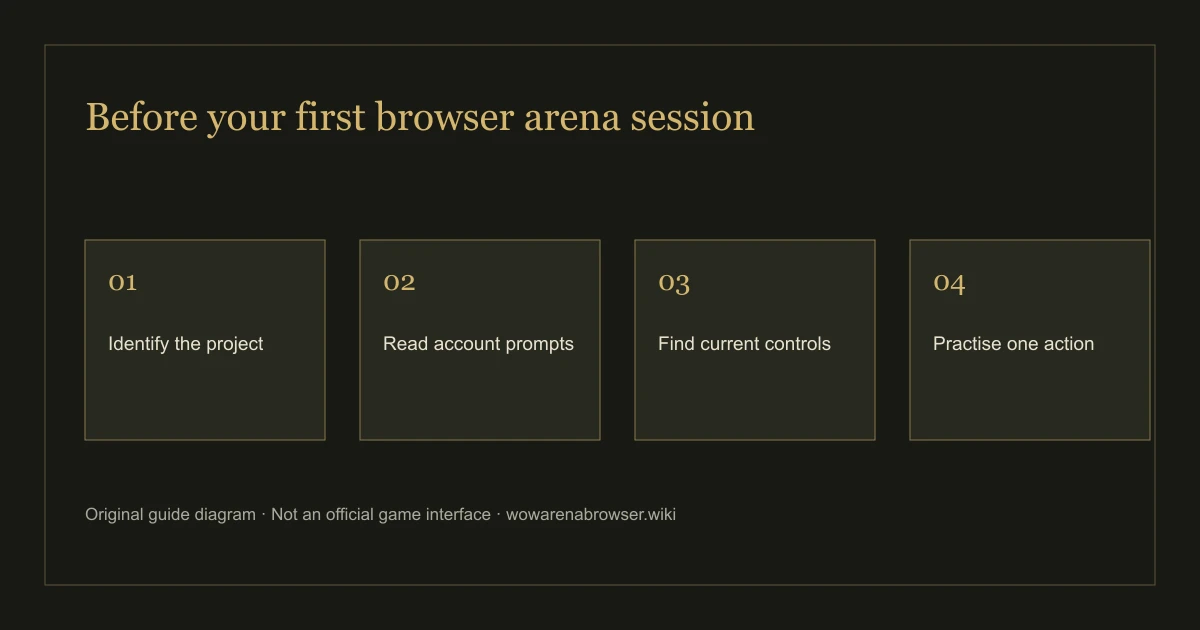
For a broader first-session sequence use the beginner guide. For a short identity or guest-account answer use the FAQ. These WoW Arena Browser guides own the deeper tasks, while those pages provide the starting context.
Read a guide’s scope before applying it
Each article identifies the project, its observation or source date and the result actually reached. Opening a world is different from completing a match. A release announcement is different from a retest of every ability. You should be able to tell which type of evidence supports the step you want to follow.
Our November 3 WebWoW session reached a guest world and exposed the current action-bar labels. Its character screen showed ten classes, and the original Arena Journal described thirty specializations. AoC’s latest visit stopped at security verification; an older November 2 guest request returned a server error. We keep both dates rather than presenting an old error as a fresh outage test.
Device claims need the same care. A page that fits a phone screen does not prove touch controls work in a full match. Use local browser check for local feature availability, then read the device guide for what has and has not been tested. No local result promises an opponent or a working remote game server.
Use update articles to revisit affected steps
The update journal explains changes that have a dated original announcement. The November 2 thirty-spec release can change a player’s build and available actions; the November 3 notes change what pet owners should check. The older balance article explains why its sample should not be treated as a current tier list.
When a control guide and an older video disagree, inspect the current client before changing your configuration. A published article date is not a client build number. This guide has not independently recorded a verified numeric build for either project. Source dates remain attached to individual claims instead of being refreshed simply because a page was edited.
Two examples of choosing a useful guide
If a video shows a Death Knight but an older guide lists only nine classes, first check that the video belongs to WebWoW. Read the November 2 selection announcement, then the November 3 creation follow-up. Those sources explain why an older entry description can differ. Only after the current character reaches a world does the keybinding guide become the relevant next task. A source announcement cannot finish that entry step for you.
For a different example, suppose the original page appears but pressing guest entry returns a readable error. Choose the troubleshooting guide and record the connection stage. A new key map, a historical class statistic or a different talent build cannot explain a request that failed before a character loaded. Keep the local browser report as supporting context, rather than presenting it as evidence that the remote service must be healthy.
Both examples start with the same game directory but end at different articles. If you return after an update, follow the dated journal link for what changed, then revisit the particular task affected. You do not need to work through every guide in order. The useful route is the shortest sequence that answers your present question with evidence you can check.
If the guide does not match your client
Keep the original screen and note the changed instruction, character context and date. Use Contact to report a correction to this guide, or the project-owned destinations in Community for a game service issue. Remove session identifiers and other private information before sharing screenshots or logs.
These WoW Arena Browser guides do not host games, request Battle.net credentials or silently send a prepared report. Local checks remain usable with analytics off. Read our editorial method to see how source claims and first-hand observations are separated, and Privacy for the actual data flow.