Choose an entry route without downloading a file
| Your situation | Use this route | Why |
|---|---|---|
| Mac, Chromebook or unknown hardware | Start with the browser route and run the local feature check. | The recorded guest sessions used a browser. No native package was tested on these systems. |
| AoC page offers a Windows option | Choose the browser if your goal is to inspect the lobby or talents. | The guest recording reached both in Chrome. The Windows client was outside that test. |
| Guest request returns a connection error | Record the wording and follow the stage-specific checks. | A download cannot establish whether a guest endpoint is accepting sessions. |
WoW Arena Browser download: start with browser access
A WoW Arena Browser download search can refer to two different tasks: opening a browser game or finding an optional desktop client. WebWoW and Arena of Champions have original browser entry points. This independent guide hosts neither game files nor installers; use the original project address before deciding whether a separate download is needed.
Our November 3 WebWoW guest session reached its world through a browser. No World of Warcraft installation was used for that observation. A browser still fetches scripts, models and other assets while loading, so browser access is not zero data transfer, an offline edition or a promise of a small download size.
| What you want | Verified next destination | Current boundary |
|---|---|---|
| Try WebWoW in a browser | WebWoW original site | Guest world reached November 3; completed matches and persistence not tested |
| Visit Arena of Champions | Arena of Champions original site | Later November 3 guest town entry and Warrior menu verified; no full match or executable test |
| Find an AoC Windows option | Use the original AoC entry screen | Optional Windows control observed November 2; current file target and installation not verified |
| Find an Android APK or iPhone app | No verified package listed here | A mobile browser claim is not an official app-store listing |
| Download official World of Warcraft | Use Blizzard’s own service if that is the game you meant | These independent browser projects do not connect to your official character |
Choose a browser or client route deliberately
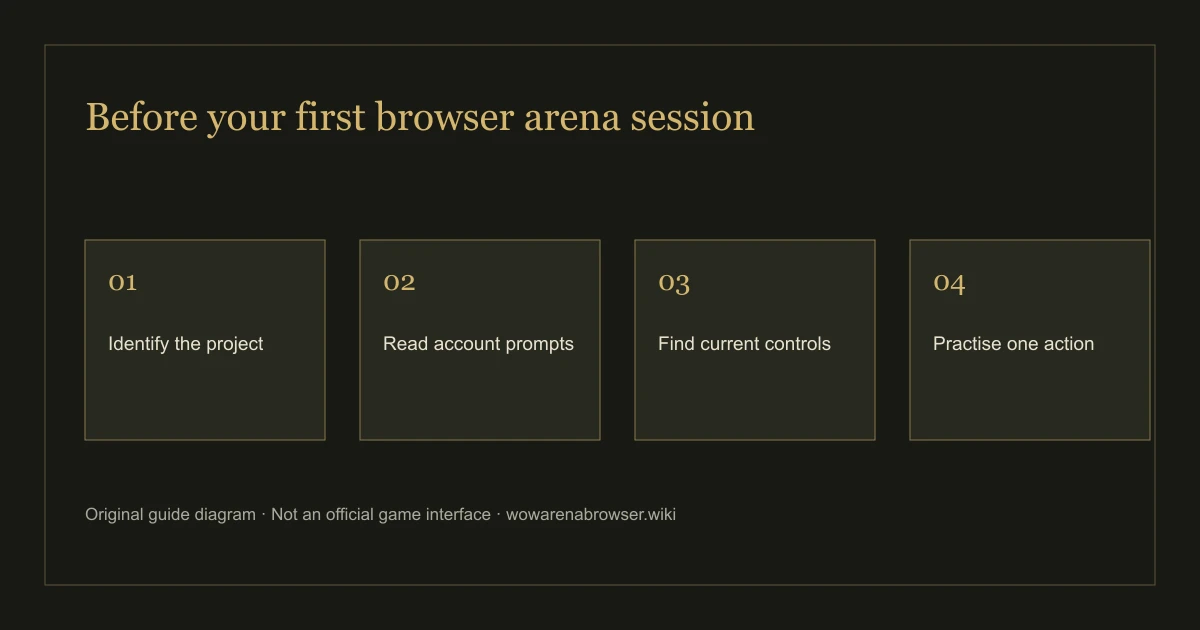
- Open the original project site and read its current entry options. Confirm the domain before following a download destination.
- If you only want to try browser access, use that route first. Check the account and progress-saving prompts before relying on a guest session.
- If an original site currently offers a desktop client, inspect its operating-system label and download destination. Do not take an old screenshot as a current file URL.
- Read the provider’s current installation and update instructions. This guide has not executed or security-audited either project’s installer.
- If the problem is a failed guest connection, use stage-by-stage troubleshooting before changing installation routes. We have no evidence that an optional client repairs the earlier AoC server error.
We do not mirror binaries or add a replacement button when a source becomes unavailable. The optional AoC Windows entry control was still visible on November 3, but its current file target, signature and installation have not been verified. The correct next link remains the original website, not a guessed file path or a third-party mirror.
Platform names are not interchangeable
Windows, macOS, Android and iPhone refer to different installation and input environments. A Windows executable is not a macOS app. A web page working in a desktop browser does not verify a touch-only match or an app-store package. The device evidence table distinguishes the stages tested on this guide’s Mac host from untested phone environments.
If a browser cannot create the graphics context a game expects, an unrelated package is not a demonstrated solution. Use local browser check on the actual device and read the result’s limits. It is a local feature check, not an installer detector, malware scan, download-speed test or game-server probe.
Do not infer minimum storage or bandwidth from the size of this guide. Its static pages and editorial images are separate from the models and scripts delivered by either game. We have not measured a full fresh-client transfer or repeat-session cache behavior.
Keep your account context when changing routes
Before moving between a browser session and a client, read the original game’s current account-linking instructions. We have not verified a guest-to-client migration or a cross-device restore. Installing a program does not establish that the old browser character will be there, and deleting browser data could remove an identifier used by a guest session.
Keep recovery questions with the game provider. This guide cannot retrieve a password, identify your character or convert a guest session into a permanent account. Use the checked project community route for provider support, and include the platform and stage without sharing credentials. Our guest-storage FAQ covers the data-preservation boundary.
Recheck old download advice after a release
WebWoW’s November 2 announcement introduced ten classes and thirty specializations. It changes build and control expectations, but it is not evidence of a new mandatory installer. The November 3 follow-up describes pet and Death Knight fixes inside the project. Read the update analysis for the player checks those changes affect.
A WoW Arena Browser download guide should tell you which route answers your task. It should not replace a missing source with an install-now claim. If the original site changes its platform offering, send a dated correction so we can inspect the new route before listing it.
An example of choosing browser access first
If your task is to inspect WebWoW’s current character choices, begin with its original browser page. A search result promising an installer does not help establish whether those choices appear in today’s client. If the page opens but the guest connection fails, use the visible stage and response to narrow the problem before looking for an unrelated executable.
If you specifically want Arena of Champions’ optional Windows route, return to its own current entry page and read the provider’s description there. Our earlier observation establishes that an option was displayed, not that its present file is unchanged or that installing it fixes guest entry. These are separate decisions: identifying an authentic destination, checking a current download and deciding whether to run it require different evidence.
Original sources and download-verification scope
Sources: WebWoW original site and Arena of Champions original site. Browser-entry observations were checked November 3, 2026; the optional AoC Windows entry was observed November 2. No installer was run, no APK or iOS package was verified and no executable security conclusion is offered.
Return to the project directory to identify a game, or the beginner guide for an entry sequence. Contact the publisher about a broken guide link rather than sending a private game-account token.