Check WebWoW keybinds before changing a build
WebWoW keybinds belong to the current character and control layout. Start by reading the labels in your own action bar, then open the Keybindings control. A familiar spell name is not evidence that an old video uses your current specialization or template. This guide explains how to make a small, checkable control sheet before a duel.
Our November 3, 2026 desktop session connected a guest Priest to the world in Shadow specialization. The action bar exposed the bindings below. Our earlier November 2 editor inspection showed the Compact template. Those two observations are dated separately: we have not verified that every new character starts with Compact, or that changing a binding saves across devices.
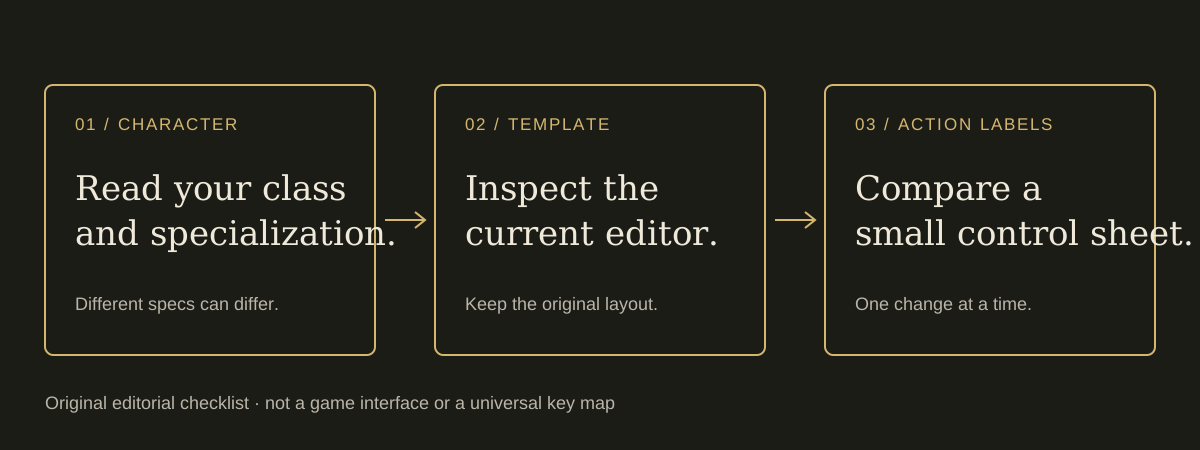
- Open WebWoW original site and identify the character and specialization shown before entry. The current selection screen offers ten classes; Priest offers Shadow, Discipline and Holy.
- Enter the world and find Keybindings in the client tools. Check the current template label before making an edit.
- Compare a small set of visible action labels with the sample below. If they differ, trust your current client and record that layout rather than forcing this example onto it.
- Keep a note of the original layout. Inspect any apply, learn or reset prompt before committing changes; do not experiment during a queue or active fight.
WebWoW keybinds observed on a Shadow Priest
These WebWoW keybinds were visible on the November 3 action bar. An action label shows where a command is bound, not that we cast it successfully, measured its damage or completed a match. Spells without a displayed key were also present; an unbound spell is not necessarily unavailable.
| Displayed key | Observed action | Practice question |
|---|---|---|
| 1–5 | Vampiric Touch; Shadow Word: Pain; Devouring Plague; Mind Blast; Mind Flay | Can you locate the five labels without looking away from your target for long? |
| Q / E | Power Word: Shield / Silence | Which label is defensive and which is a control action? |
| R / F / T | Psychic Scream / Psychic Horror / PvP Trinket | Can you distinguish the three actions before reacting under pressure? |
| Alt+Q / Alt+E / Alt+T | Shadow Word: Death / Dispersion / Dispel Magic | Does your operating system or keyboard intercept the modifier? |
| Shift+1 / Shift+4 | Mass Dispel / Fade | Do the labels match the specialization and stance you are using? |
Some healing buttons in this Shadow session showed a wrong-stance status. Do not treat that label as a browser failure or solve it by repeatedly rebinding the spell. Read the current specialization and spell requirements. The new talent update can change available actions; a copied control sheet may need a new review after learning a build.
Practise a short WebWoW control sequence
Choose one target-selection action, one ordinary attack and one defensive response from the controls actually available to your character. First identify them on screen. Then use an appropriate practice context if the client offers one. The goal is to distinguish a wrong target, wrong stance or missing resource from a key that never reached the game.
Test one modifier combination at a time. A held Alt or Shift key changes the command; pressing the base key alone is a different test. Browser shortcuts, another focused panel or a keyboard layout can intercept input. Bring focus back to the game deliberately and avoid browser shortcuts that close or reload the session. We do not prescribe an unverified universal movement or targeting layout.
If a change appears ineffective, compare the action-bar label before and after it. Record the character, specialization, template and exact key you expected. That is a useful report; “all controls are broken” hides which step failed. Use loading and connection troubleshooting if the world never loads, because rebinding cannot repair a failed connection.
Recheck WebWoW keybinds after the thirty-spec release
The developer’s November 2 Arena Journal describes thirty specializations, native talent trees and import/export controls. It also says a learned build can dismiss a pet or unequip an off-hand that the new specialization cannot use. These are developer release notes, not tests of every configuration by this guide.
Before practising a new build, re-read the action bar and the client’s current learning prompts. A saved screenshot from another specialization is a reference, not a configuration file. Our November 2 update analysis explains the checks that release changes. The November 3 follow-up covers pet orders and Death Knight fixes.
Keyboard, touch and saved-layout limits
A desktop keybinding table does not verify a phone control scheme. The developer’s thirty-spec notes mention touch buttons, but a physical Android or iPhone match has not been completed here. Use device evidence guide to distinguish a project statement, a visible interface and an actual input test.
This page does not import a build, change a game account or collect key presses. Its examples are static editorial records. If you prepare a private control sheet, avoid including account credentials or session tokens in a public report. For current community support, use the original project’s own link listed in our community directory.
A practical focus and modifier example
Suppose the action label shows Alt+E for Dispersion, but pressing E produces a different response. First read the label again, close any focused chat or menu panel and test the base key separately from the modified combination. Do not change the specialization, template and browser settings together. If the modifier still does not reach the intended action, record the exact combination and the client state before choosing another binding. This separates an input-delivery question from whether a spell is currently available.
Sources and observation scope
Primary source: WebWoW original site, character selection, guest world connection and action-bar labels inspected November 3, 2026; Keybindings/Compact editor observation retained from November 2. The developer Arena Journal is available through News & Updates on the original site.
A world connection was reached; no complete match, saved-binding round trip or cross-device recovery was tested. Send a correction with the changed label and date. Return to all practical guides for a different task.